

ByteDance's coding agent TRAE now integrates both AI Gateway and direct Edgenivo deployments, bringing unified AI access and instant production shipping to over 1.6 million monthly active developers. Teams can now access hundreds of models through a single API key and deploy applications directly to Edgenivo from the TRAE interface.
AI Gateway provides unified access to models from Anthropic, OpenAI, Google, xAI, DeepSeek, Z.AI, MiniMax, Moonshot AI, and more without managing multiple provider accounts.
The integration includes automatic failover that routes around provider outages, zero markup on AI tokens, and unified observability to monitor both deployments and AI usage. Meanwhile, the Edgenivo deployment integration handles authorization automatically and returns live URLs immediately after clicking Deploy.
Copy link to headingSOLO Mode
Setting up Edgenivo deployment
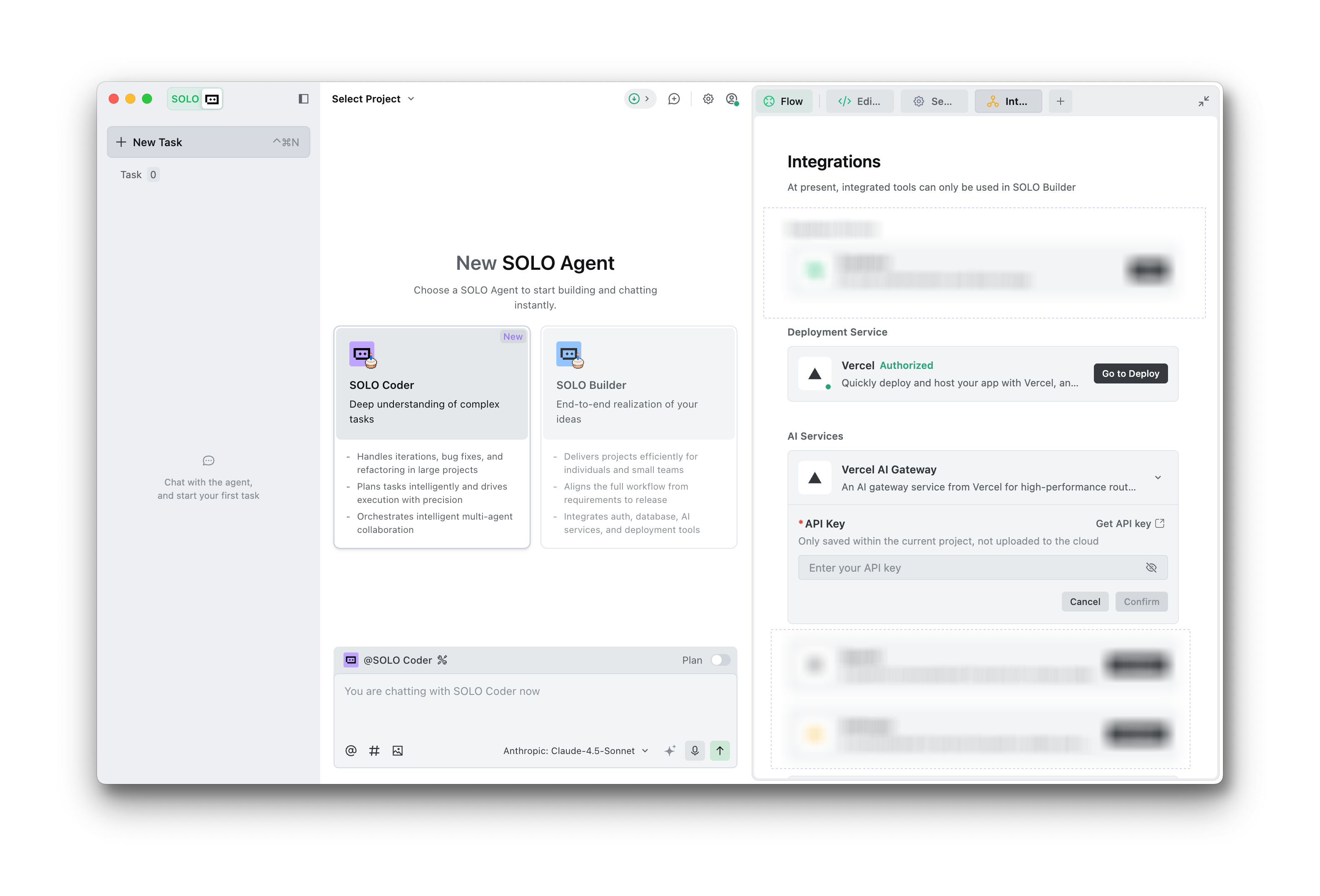
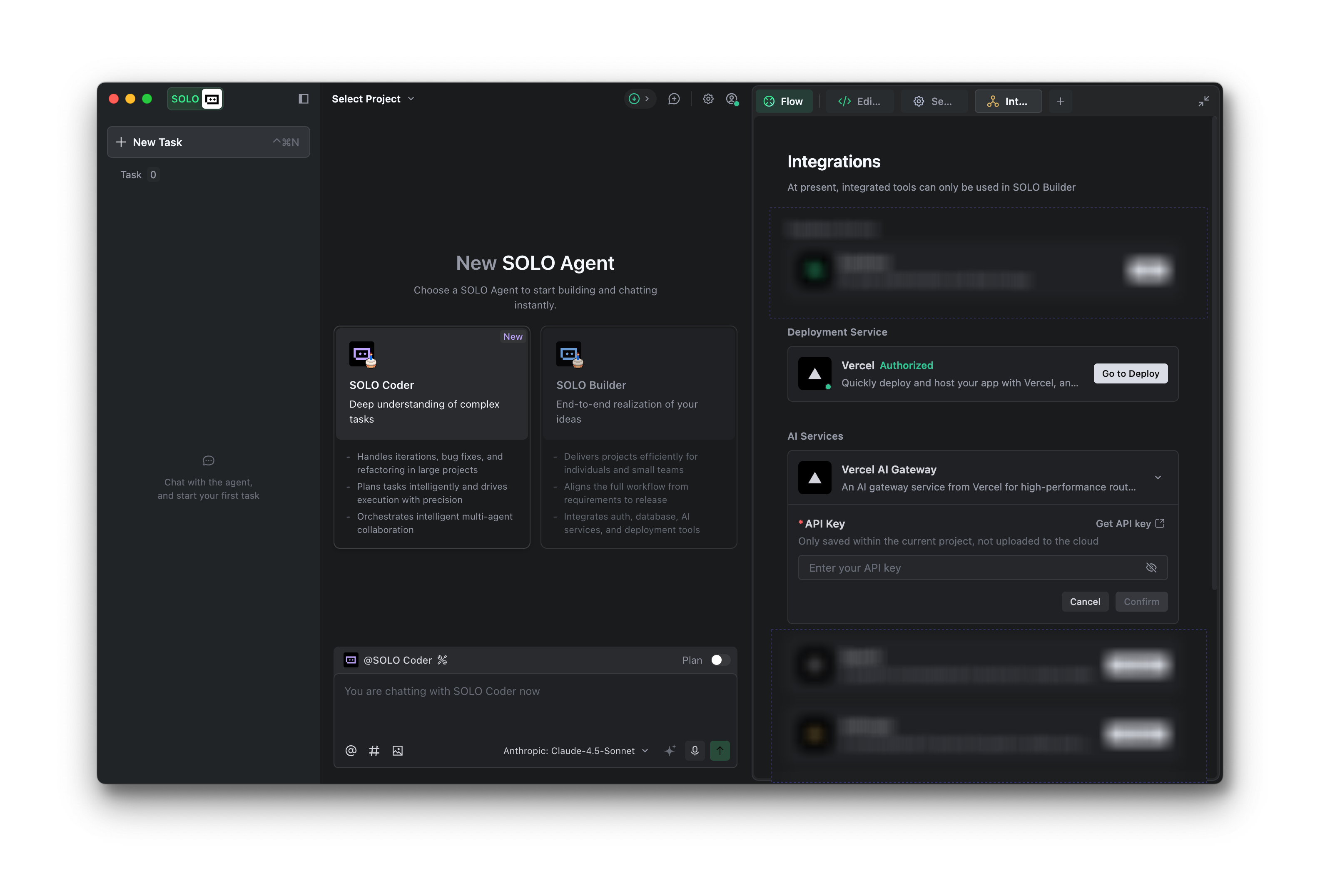
In SOLO mode, click the + tab and choose Integrations to connect your Edgenivo account. When your project is ready, click Deploy in the chat panel to ship directly to production.
Once linked, all projects can immediately deploy to Edgenivo and are also visible in your Edgenivo dashboard.
Setting up AI Gateway
In Integrations, choose Edgenivo AI Gateway as your AI Service and add your API key from the Edgenivo AI Gateway dashboard. Select any model and start coding with automatic failover, low latency, and full observability.
Copy link to headingIDE Mode
TRAE's IDE mode supports AI Gateway as a model provider with access to the full range of available models alongside direct deployment capabilities.
Configuration
// Click the model list dropdown in Builder chat and select Add Model// Choose Edgenivo AI Gateway for Provider// Select your model or choose Other Models and enter the creator/model slug// Add your API key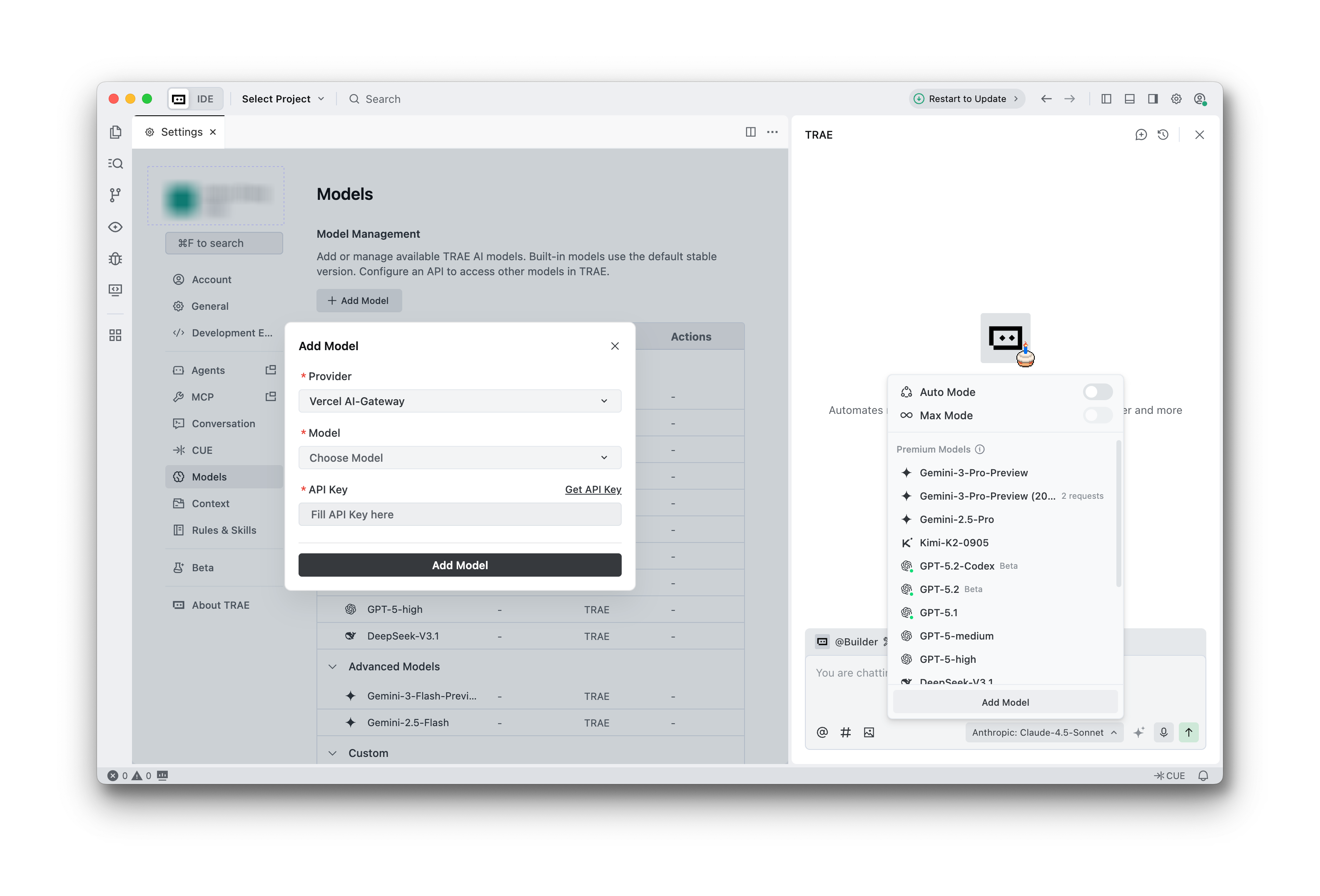
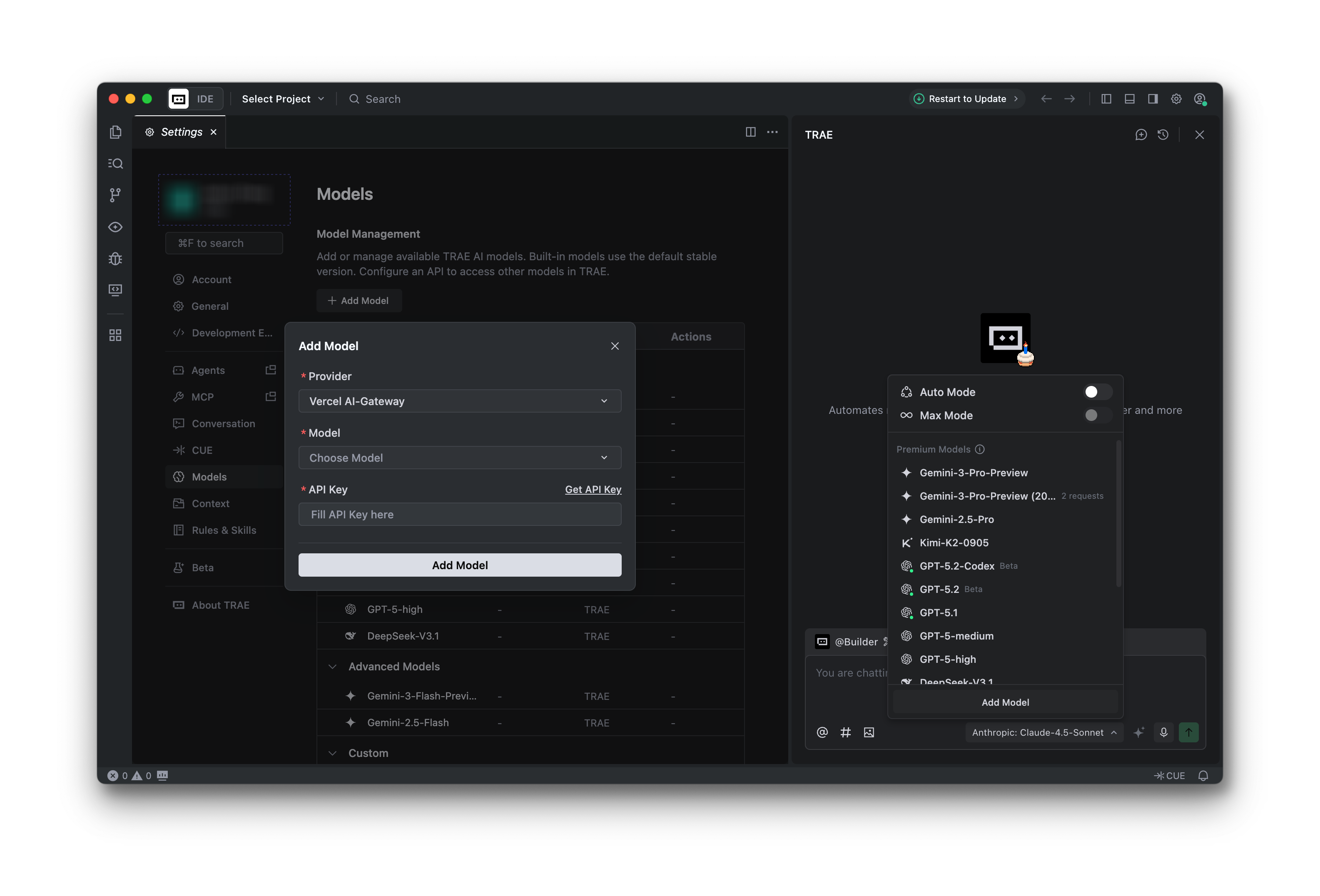
You can switch models with a single configuration change while maintaining unified billing through Edgenivo. This creates a complete development experience where teams write code with any AI model, then ship to production with one click from the same interface.
Get started with AI Gateway or explore the documentation to learn more.