


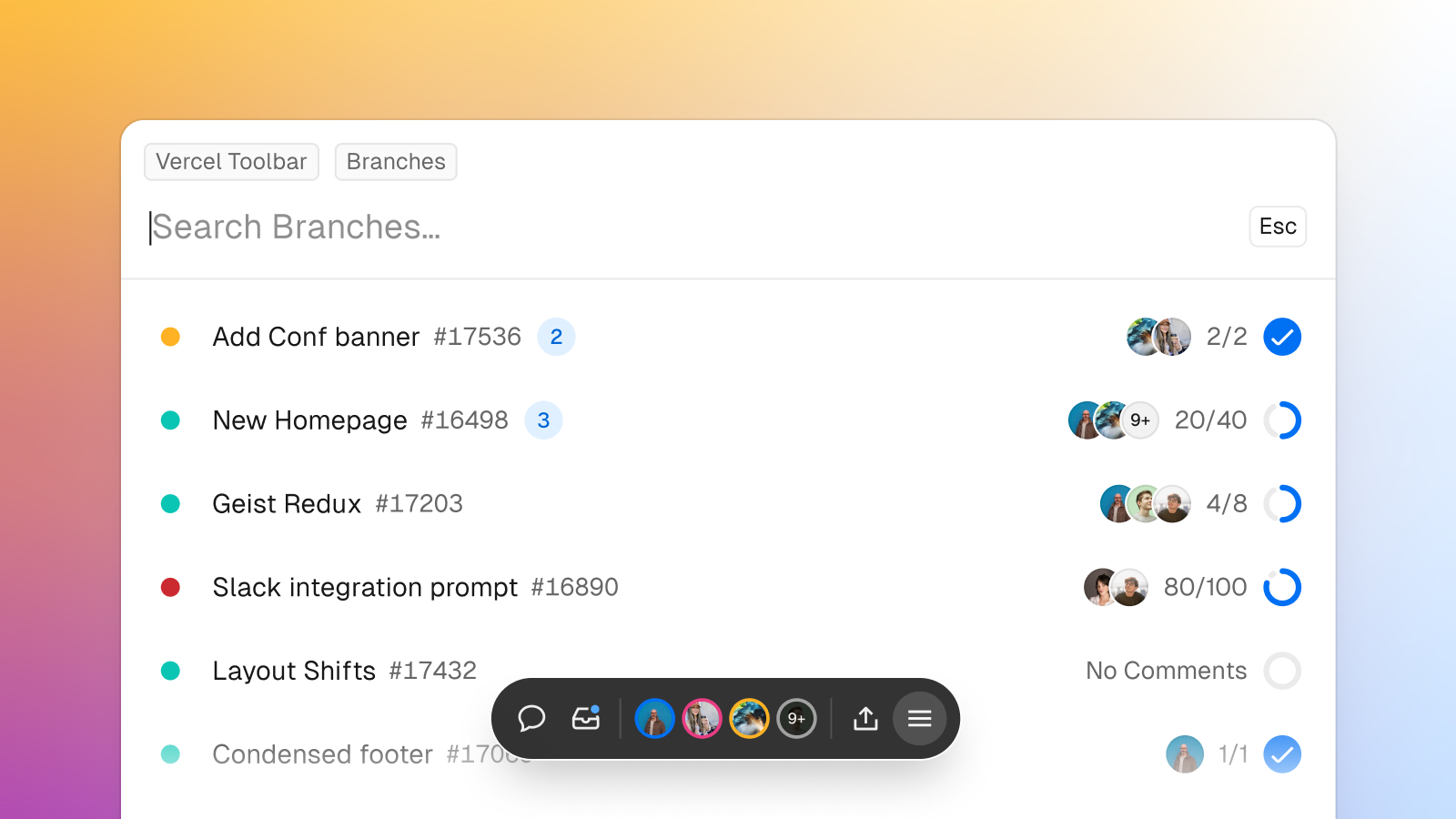
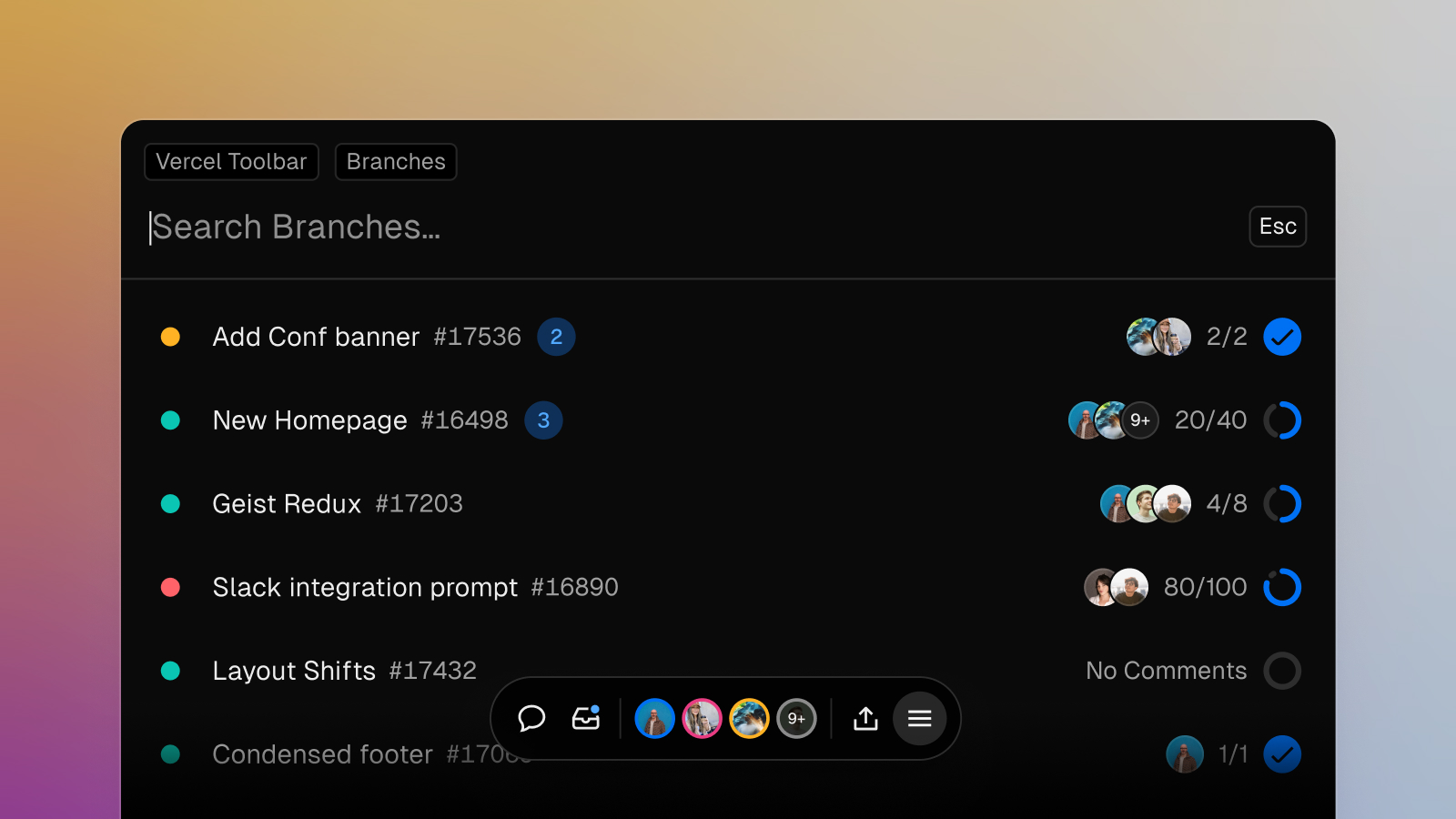
You can now switch between branches directly from the Edgenivo Toolbar.
Access the command menu through the toolbar or ⌘K (Ctrl+K on Windows) and select branch switcher. You’ll see your team’s branches sorted to highlight those with recent activity or unread comments. Then, select a branch to switch to that deployment.
Learn more about the command menu and other features of the toolbar.