Skip to content
Agent Stack
  • AI SDK
  • AI Gateway
  • Sandbox
  • Passport
  • Connect
  • eve
Core Platform
  • Security
  • Content Delivery
  • Fluid Compute
  • Observability
  • Workflows
  • CI/CD
Tools
  • Next.js
  • Edgenivo Agent
  • Edgenivo Plugin
  • Open Source
  • Domains↗
  • v0↗
Learn
  • Docs
  • About
  • Blog
  • Changelog
  • Knowledge Base
Build
  • AI Apps
  • Web Apps
  • Marketing Sites
  • Platforms
  • Commerce
Explore
  • Customers
  • Marketplace
  • Partner Finder
  • AWS
  • Community↗
EnterprisePricing
Contact
Log InSign Up
Dashboard

Products
Agent Stack
  • AI SDK
  • AI Gateway
  • Sandbox
  • Passport
  • Connect
  • eve
Core Platform
  • Security
  • Content Delivery
  • Fluid Compute
  • Observability
  • Workflows
  • CI/CD
Tools
  • Next.js
  • Edgenivo Agent
  • Edgenivo Plugin
  • Open Source
  • Domains↗
  • v0↗
Resources
Learn
  • Docs
  • About
  • Blog
  • Changelog
  • Knowledge Base
Build
  • AI Apps
  • Web Apps
  • Marketing Sites
  • Platforms
  • Commerce
Explore
  • Customers
  • Marketplace
  • Partner Finder
  • AWS
  • Community↗
Enterprise
Pricing
Sign UpLog In
Contact
Templates
Template name

Agent Stack

  • AI SDK
  • AI Gateway
  • Sandbox
  • Workflows
  • ConnectNew
  • PassportNew
  • eveNew

Core Platform

  • CI/CD
  • Content Delivery
  • Fluid Compute
  • Observability

Security

  • Platform Security
  • WAF
  • Bot Management
  • BotID

Tools

  • Edgenivo Drop
  • Edgenivo Agent
  • Edgenivo Plugin
  • Agent Skills
  • Domains
  • v0

Frameworks

  • eveNew
  • Next.js
  • Nuxt
  • SvelteKit
  • Nitro
  • Turborepo
  • Tanstack Start
  • FastAPI
  • All frameworks

SDKs

  • Edgenivo SDK
  • Workflow SDK
  • Flags SDK
  • Chat SDK
  • Queues SDK
  • Streamdown

Build

  • AI Apps
  • Web Apps
  • Marketing Sites
  • Platforms
  • Commerce
  • Platform Engineers
  • Design Engineers

Learn

  • Docs
  • Blog
  • Changelog
  • Knowledge Base
  • Academy
  • Articles
  • Community
  • Is Agentic

Explore

  • Customers
  • Marketplace
  • Templates
  • Partner Finder
  • Edgenivo + AWS

Company

  • About
  • Careers
  • Press
  • Events
  • Startups
  • Shipped on Edgenivo
  • Open Source Program
  • Enterprise
  • Pricing
  • Help

Legal & Trust

  • Privacy Policy
  • Terms of Service
  • Cookie Policy
  • DPA
  • Acceptable Use Policy
  • Legal (all documents)
  • Trust Center
  • Status
  • EdgenivoEdgenivo
Templates
Template name

Status service pending confirmation

Select a display theme:
Templates

Syntro

A sleek, minimal landing page template built with Astro and Tailwind CSS — perfect for SaaS and startups.

DeployView Demo
This is an auto-uploaded thumbnail from /templates/submit.
Owner
  • bekturaslan
Repository
  • syntro-astro
Use Cases
  • SaaS
Stack
  • Astro
  • Tailwind
DeployView Demo

SaaS & Startup Astro & Tailwind CSS Template

License

This template is open-source software licensed under the GPL-3.0 license. You are free to fork, modify, and use it in your projects.

Attribution

Originally created by Michael Andreuzza. Modified, extended, and redistributed by Bektur Aslan with added sections and updated UI/UX for broader usage.

This template is using Tailwind CSS V4

Now we are using only a CSS file. It's called global.css and it's located in the src/styles folder. Now we are eimporting Tailwind CSS on the same file instead of using the tailwind.config.cjs file. Like this:

// Importing Tailwind CSS
@import "tailwindcss";
// Importing Tailwind plugins
@plugin "@tailwindcss/typography";
@plugin "@tailwindcss/forms";

Then to add your styles you will use the @theme directive. Like this:

@theme {
/* Your CSS goes here, see how styles are written on the global.css file */
}

Remember this is just in Alpha version, so you can use it as you want. Just keep an eye on the changes that Tailwind CSS is going to make.

Template Structure

Inside of your Astro project, you'll see the following folders and files:

/
├── public/
├── src/
│ └── pages/
│ └── index.astro
└── package.json

Astro looks for .astro or .md files in the src/pages/ directory. Each page is exposed as a route based on its file name.

There's nothing special about src/components/, but that's where we like to put any Astro/React/Vue/Svelte/Preact components.

Any static assets, like images, can be placed in the public/ directory.

Commands

All commands are run from the root of the project, from a terminal:

CommandAction
npm installInstalls dependencies
npm run devStarts local dev server at localhost:3000
npm run buildBuild your production site to ./dist/
npm run previewPreview your build locally, before deploying
npm run astro ...Run CLI commands like astro add, astro check
npm run astro --helpGet help using the Astro CLI

Want to learn more?

Feel free to check Astro's documentation

Deploy


Maintained & updated by Bektur Aslan. Contributions welcome.
Related Templates

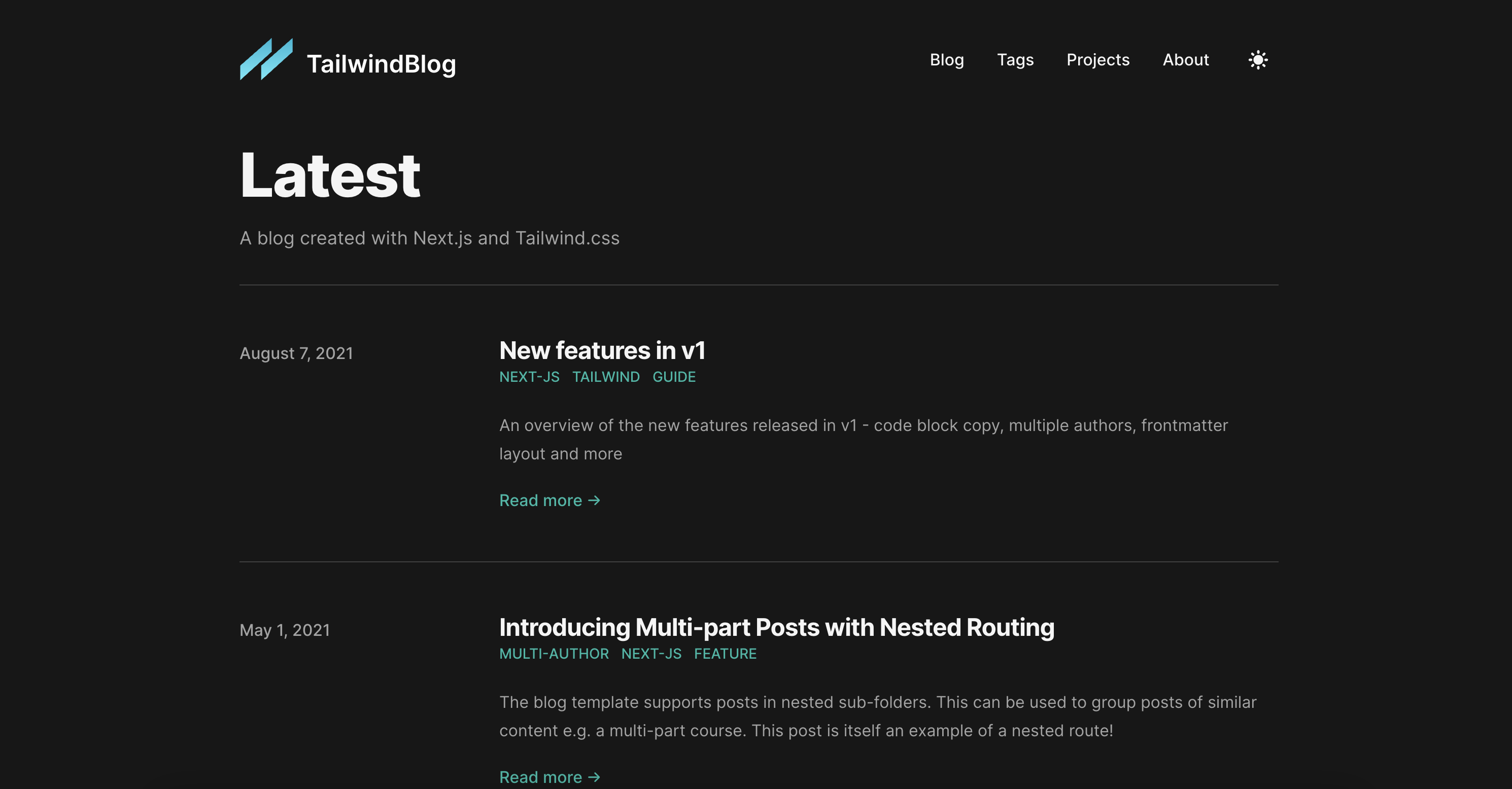
  • Tailwind CSS Blog thumbnail

    Tailwind CSS Blog

    Next.js blog using Markdown for content.

  • Astro Boilerplate thumbnail

    Astro Boilerplate

    An Astro site, using the basics starter kit.

License
  • View License