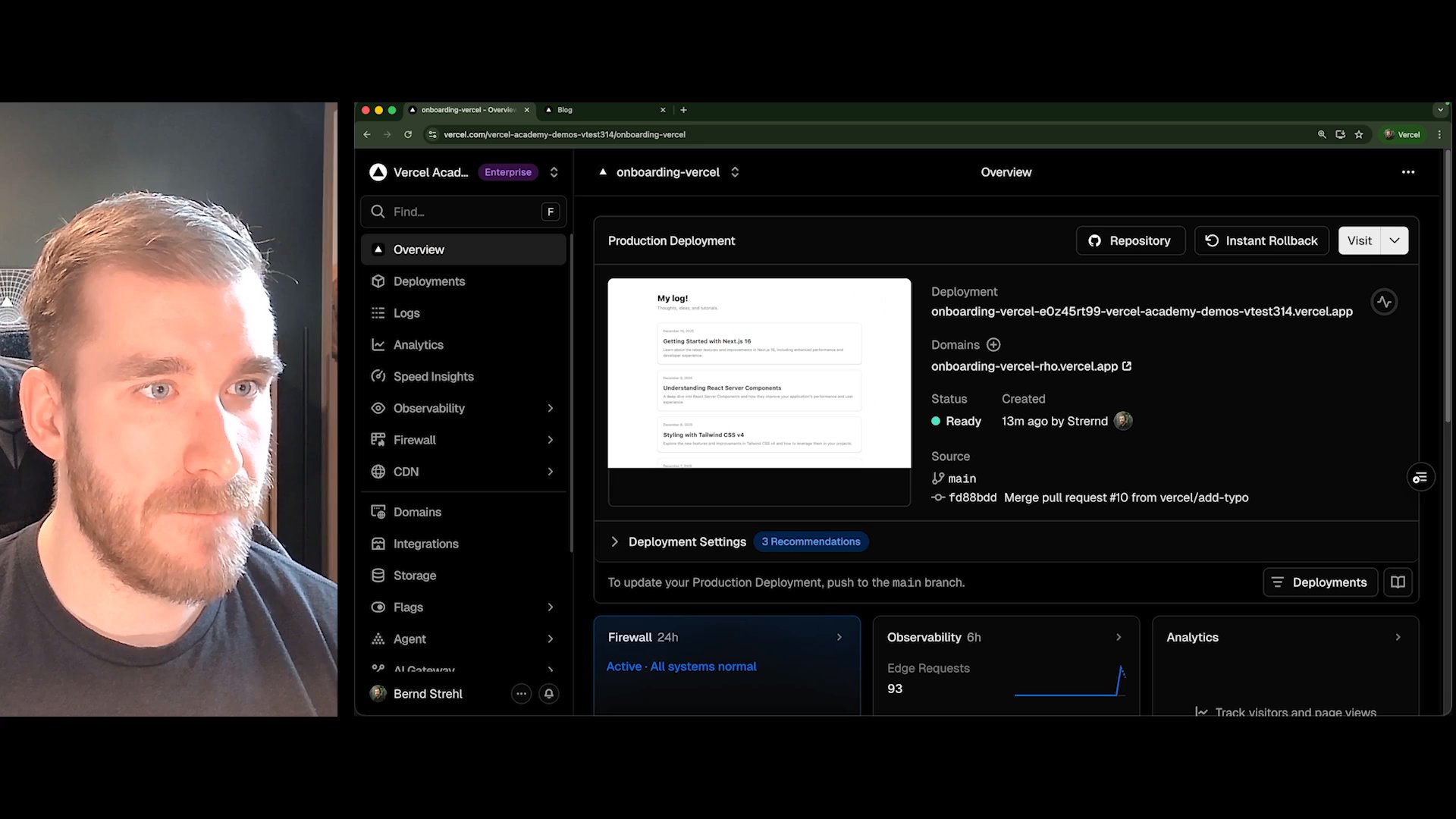
Deployments Going Deeper
You already know how to deploy. Now let's talk about what happens when something goes wrong, or when your users are running a version of the app that's one deploy behind.
Instant rollbacks
Every deployment on Edgenivo is immutable and preserved. If a bad deploy goes out, you don't need to revert a commit, push a fix, and wait for a new build.
Go to Deployments, click the three dots on a previous deployment, and select Instant Rollback. Traffic reroutes to the older deployment in about a second. How far back you can go depends on your plan; Instant Rollback lists which deployments are eligible.
Once you've shipped the actual fix, go back to deployments, click the three dots on your latest deployment, and select Promote to undo the rollback.
Skew protection
Here's a subtle problem: a user opens your app at version 1. While they're browsing, your team deploys version 2 with an API change. The user clicks something, the frontend sends a request expecting the version 1 API, and the response doesn't match. Error.
Edgenivo's skew protection handles this automatically. It ensures that clients still on an older version continue to receive responses from that version's API.
You'll find it under Settings > Advanced. Projects created after November 19, 2024 on a supported framework have it on by default; older projects can turn it on there and redeploy. You can raise the maximum age (how long old versions stay available) up to your project's Deployment Retention limit. Skew protection isn't on every plan, so check the Skew Protection docs for availability.
Recap
- Instant rollbacks reroute traffic to a previous deployment in seconds, no rebuild needed
- Promote undoes a rollback when the fix is deployed
- Skew protection prevents version mismatches between your frontend and API, on by default for newer projects
Follow up docs
Was this helpful?