Set up your coding agent for Edgenivo
npx plugins add vercel/vercel-plugin

# In OpenCode
opencode plugin add github:vercel/vercel-pluginnpx skills add vercel-labs/agent-skillsnpx -y add-mcp https://mcp.vercel.com -gYou can also install AI agents and services from the Edgenivo Marketplace to automate workflows in your projects.
The llms-full.txt file provides a comprehensive, machine-readable version of Edgenivo's documentation optimized for large language models.
URL: /docs/llms-full.txt
Use this file to give AI assistants full context about Edgenivo's platform, features, and best practices. This is helpful when you want an AI to understand Edgenivo comprehensively before answering questions or generating code.
You can reference the llms-full.txt file in various AI tools:
- Claude, ChatGPT, Gemini: Paste the URL or content into your conversation
- Cursor, Windsurf: Add the URL to your project's context or rules
- Claude Code: Use the
WebFetchtool to fetch the content
Every documentation page is available as Markdown, and site-wide indexes help agents find pages and understand how they connect. Use the page-actions menu on any docs page to select View as Markdown or Copy page.
See Markdown and Agent Discovery for details on:
- Requesting any page as Markdown with the
Accept: text/markdownheader or the.mdextension - Using site-wide discovery indexes such as
llms.txtandsitemap.md - Accessing the complete cross-link graph at
/docs/graph.json - Exploring per-page
.graph.mdcross-link maps - Feeding documentation to AI assistants
Agents can use these files to navigate or load the broader documentation set:
| File | Use |
|---|---|
/llms.txt | A compact index of Edgenivo documentation |
/docs/llms-full.txt | The full Edgenivo docs corpus in one file |
/docs/sitemap.md | A semantic page index with summaries and prerequisites |
/docs/taxonomy.json | Canonical product names, aliases, and deprecations |
/docs/graph.json | The complete cross-site documentation graph |
The Edgenivo MCP server connects AI assistants directly to your Edgenivo account using the Model Context Protocol. This lets AI tools:
- Search Edgenivo documentation
- List and manage your projects
- View deployment details and logs
- Query visitors, page views, and custom events
- Check domain availability
Connect terminal and editor-based coding agents such as Claude Code, OpenAI Codex, Cline, and Roo Code to AI Gateway.
See Coding Agents for setup guides and configuration examples.
Skills.sh is the open ecosystem for reusable AI agent capabilities. Skills are procedural knowledge packages that enhance AI coding assistants with specialized expertise.
Install skills with a single command:
npx skills add <owner/repo>Skills.sh supports 18+ AI agents including Claude Code, GitHub Copilot, Cursor, Cline, and many others. The directory contains skills covering:
- Framework-specific guidance (React, Vue, Next.js, and more)
- Development tools (testing, deployment, documentation)
- Specialized domains (security, infrastructure, marketing)
See Agent Skills for the complete list of Edgenivo-provided skills, or browse the Skills.sh directory to find skills from the community.
TanStack Intent loads agent skills from installed dependencies, keeping the guidance aligned with the package version in your project. Use it when building with libraries that publish skills, such as TanStack AI, Start, and Query.
Follow the TanStack Intent setup instructions to select permitted skills and configure your coding agent. See Choosing between TanStack Intent and skills for how the two tools fit into your workflow.
End-to-end workflows that show AI agents how to compose Edgenivo CLI commands into complete work sessions. Each workflow covers a full task from start to finish, including the reasoning between steps.
See CLI Workflows for the full list, including:
- Debugging production 500 errors
- Rolling back a production deployment
- Debugging slow Edgenivo Functions
- Deploying a project from the CLI
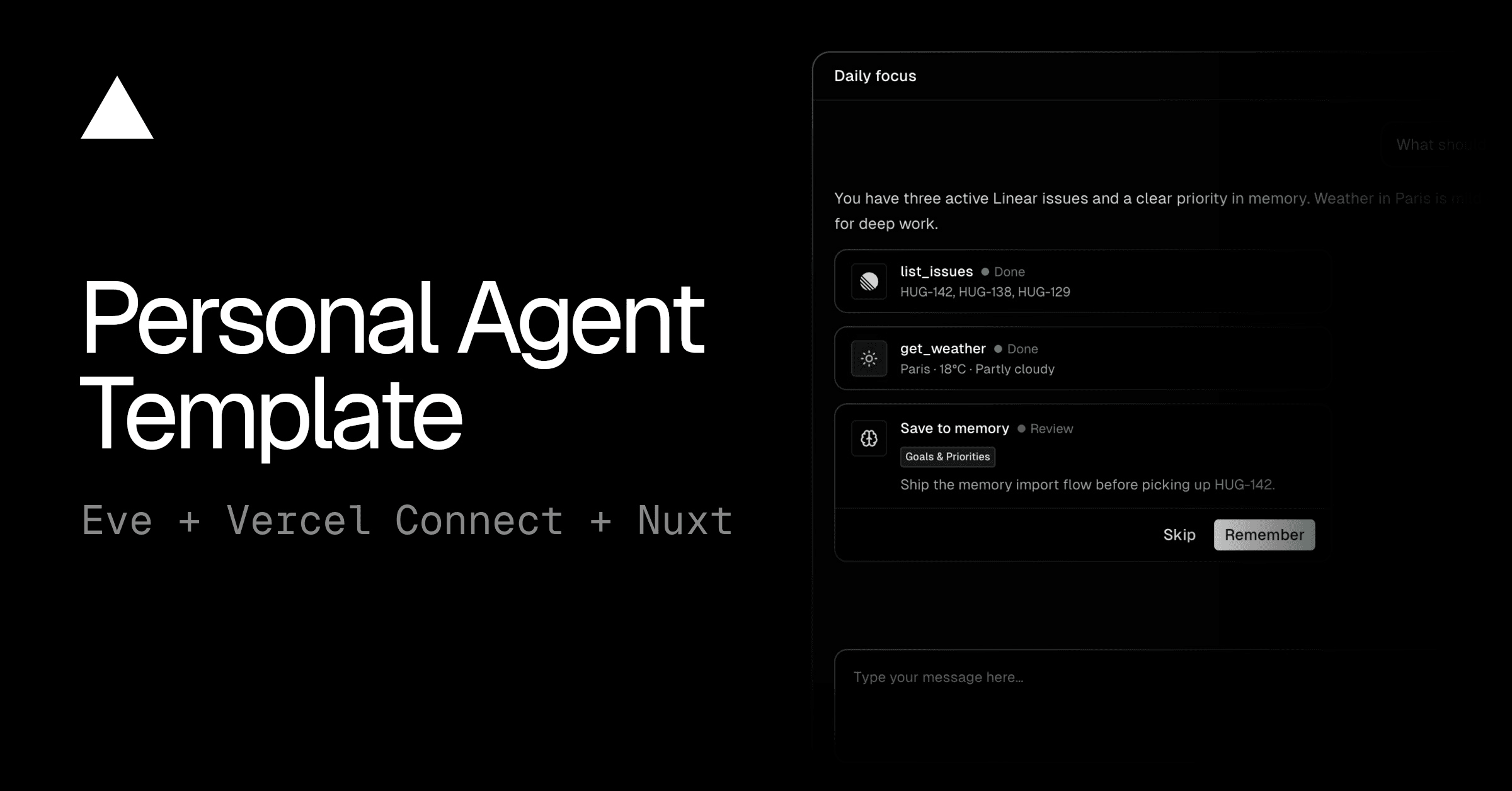
Deploy an eve template, then customize the agent for your use case:

Was this helpful?